How to create Perplexity API credential in n8n
Here is how to create perplexity api credential in n8n
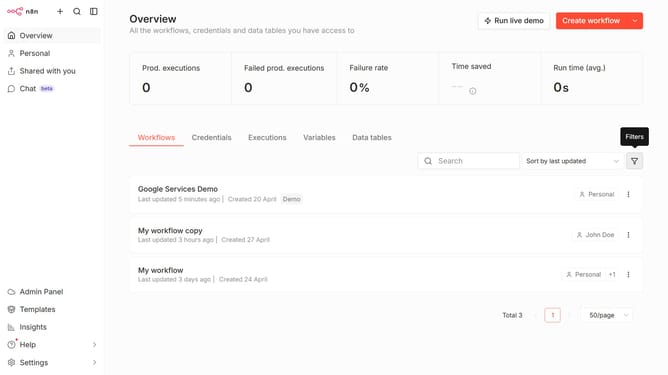
- First click on the dropdown arrow next to "Create workflow" button.
- Then click on "Create credential" button.
- Next click on the search input field and enter "Perplexity".
- Then click on "Perplexity API" link.
- After that click on "Continue" button.
- Next click on the input field labeled "API Key *" to enter your API key.
- Finally click on the "Save" button.
Why should you create Perplexity API credential in n8n
n8n is a powerful automation tool that allows seamless integration between various apps and services.
Creating Perplexity API credentials in n8n is straightforward and enhances your ability to interact harmoniously with the Perplexity platform.
By establishing these credentials, you gain the power to automate workflows, saving time and reducing errors in data handling.
Emphasizing security and efficiency, this feature ensures your processes remain both robust and reliable.
Last update