How to filter workflows by status (Published) in n8n
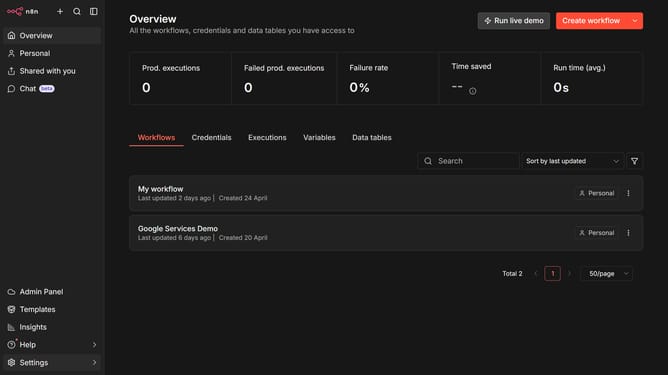
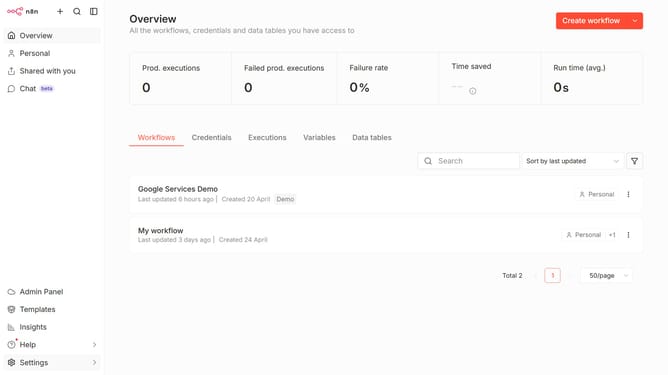
Here is how to filter workflows by status (published) in n8n
- First click on the "Filters" button
- Then click the status dropdown
- Finally select "Published" item
Why should you filter workflows by status (Published) in n8n
n8n is a powerful workflow automation tool designed to streamline tasks and connect various applications with ease.
Filtering workflows by status, such as "Published," allows users to quickly identify and manage active automations.
This feature enhances efficiency by reducing clutter and ensuring that only relevant workflows are in focus at any given time.
The ability to swiftly filter published workflows ensures seamless operational oversight and helps maintain workflow integrity and optimal performance.
Last update