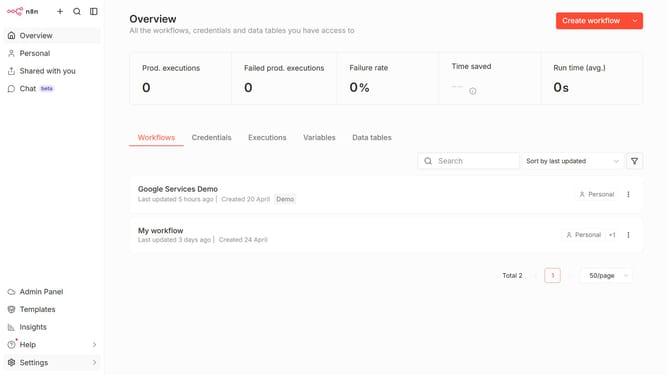
How to set theme to Light theme in n8n
Here is how to set theme to light theme in n8n
- Then click on "Settings" item in the sidebar
- Then click on "Personal" option in the sidebar
- Then click on the "Theme" dropdown in the Personalisation section
- Then select "Light theme" from the dropdown menu
- Finally click on the "Save" button
Why should you set theme to Light theme in n8n
n8n is a flexible workflow automation tool designed to streamline business processes.
Switching to the Light theme in n8n enhances user experience by offering a clean and bright interface that can improve visibility and reduce eye strain during prolonged use.
Utilizing the Light theme ensures clarity and focus, making complex workflows more accessible and less daunting.
This theme choice can result in a more pleasant and productive working environment for users who prefer brighter visual settings.
Last update