How to create Travis API credential in n8n
Here is how to create travis api credential in n8n
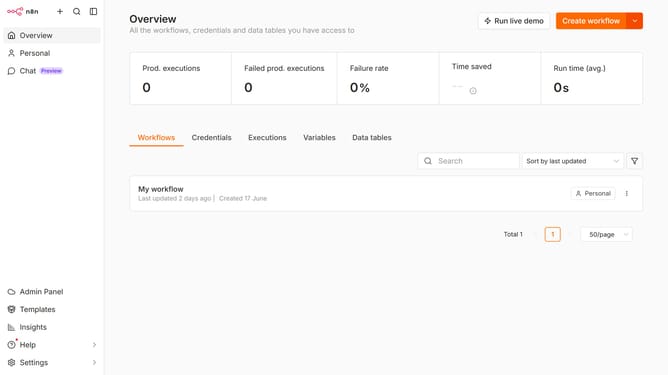
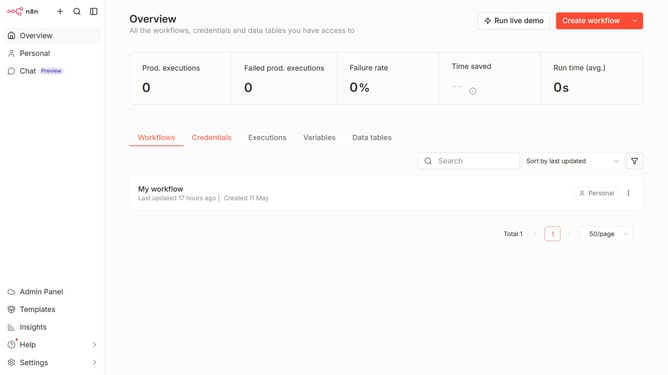
- First click on the dropdown arrow next to "Create workflow" button
- Then click on "Create credential" button
- Next click on the "Search for app..." input field
- Then type "Travis" into the search bar and click on "Travis API"
- After that click on the "Continue" button
- Then fill in the input field labeled "API Token"
- Finally click on the "Save" button
Why should you create Travis API credential in n8n
n8n is a powerful, extendable workflow automation tool that connects various apps and services to streamline operations.
Creating a Travis API credential in n8n enhances your automation capabilities by allowing seamless integration with Travis CI. This feature equips users to automate their continuous integration tasks effortlessly, seamlessly connecting build processes with broader workflows.
With this integration, developers gain the ability to trigger builds, monitor statuses, and receive notifications, enabling efficient handling of development projects. The benefit lies in improving development cycle speed and reducing manual tasks, thus elevating productivity.
Last update