How to delete a variable in n8n
Here is how to delete a variable in n8n
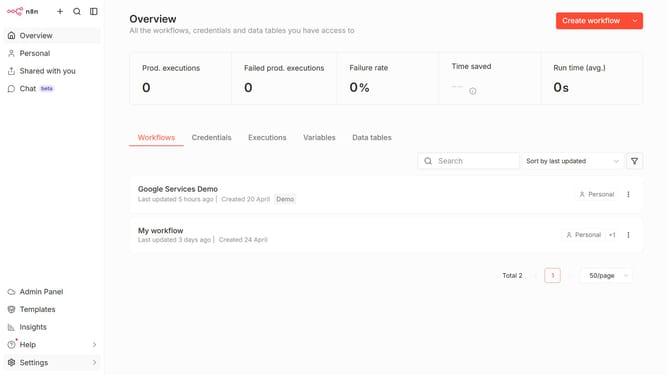
- First click on the "Variables" tab in the main content area.
- Then hover on the variable that you want to delete in the Variables table.
- Next, click on the "Delete" button in the row for the variable.
- Finally, confirm the deletion by clicking the "Delete" button in the confirmation modal.
Why should you delete a variable in n8n
n8n is an innovative and open-source workflow automation tool that effortlessly connects various apps and services.
One of its beneficial features is the ability to delete a variable, enhancing the efficiency and organization of your workflows.
Removing unnecessary variables not only streamlines processes but also reduces the potential for errors, helping maintain a clean and efficient work environment.
This allows users to focus on seamless automation, enriching productivity without the clutter of redundant data.
Last update