How to remove default xAI Grok chat provider credential in n8n
Here is how to remove default xai grok chat provider credential in n8n
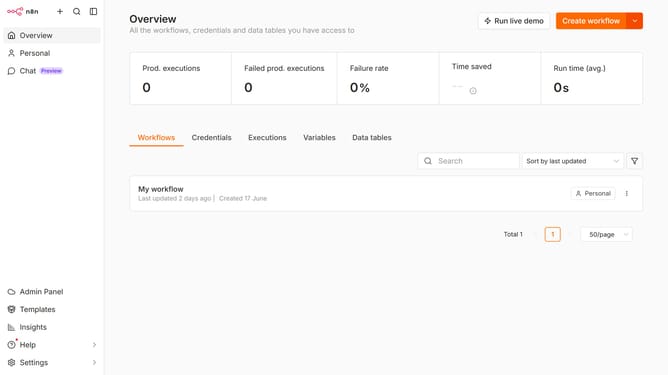
- First click on "Settings" from the left sidebar
- Then click on "Chat" from the expanded menu
- Then click on the three dots icon next to the entry
- Then click on "Edit provider"
- Then click on the "X" icon to remove the default credential
- Finally click on "Confirm" to apply changes
Why should you remove default xAI Grok chat provider credential in n8n
n8n is a seamless automation platform designed to effortlessly connect various applications and streamline your workflows.
Removing the default xAI Grok chat provider credential in n8n is a feature that enhances security and personalization in your workflows. By removing unused or default credentials, you ensure that your automations are tailored to your specific needs without extraneous connections.
This feature adds a layer of customization, enabling you to integrate your preferred chat providers while maintaining a streamlined and efficient workflow environment. The removal process supports optimal control over your data and connections within n8n.
Last update