How to enable sending actual data values in n8n
Here is how to enable sending actual data values in n8n
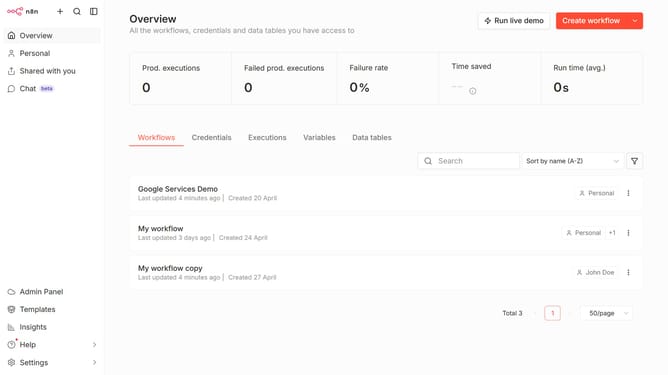
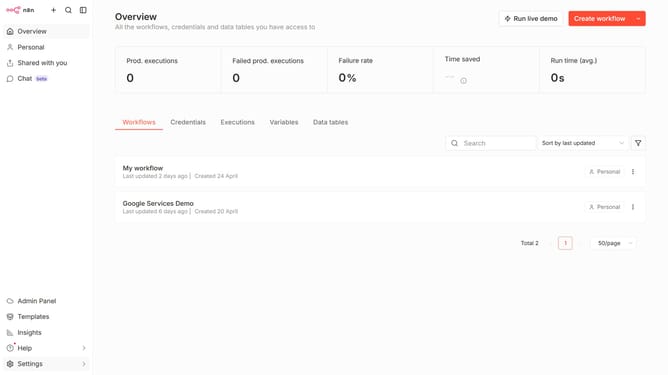
- First click on "Settings" in the sidebar.
- Then click on "AI Usage" in the expanded settings menu.
- Then click on the checkbox next to "Send actual data values" in the "AI Usage" section.
Why should you enable sending actual data values in n8n
n8n is a versatile workflow automation tool designed to connect various applications seamlessly.
One of its unique features is the ability to enable sending actual data values.
By enabling this feature, users harness complete transparency in their data workflows, ensuring accurate information transmission across connected services.
This fosters improved efficiency and decision-making by providing precise, real-time data insights, which are crucial for businesses aiming to optimize operations and deliver top-notch results.
Last update