How to delete a user in n8n
Here is how to delete a user in n8n
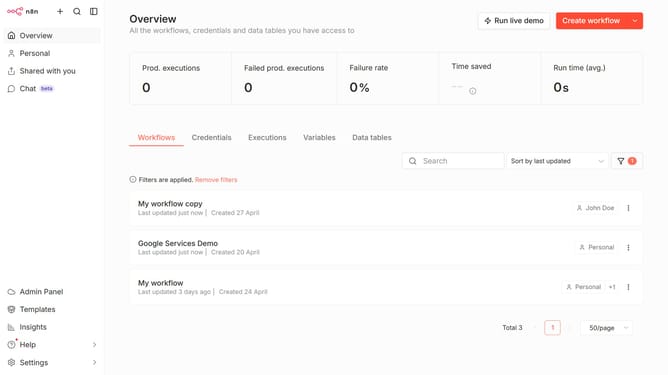
- First click on "Settings" option in the left sidebar.
- Then click on "Users" under the Personal category in the menu.
- Next, click on the three dots icon next to user you want to delete.
- Then select "Delete User" from the dropdown menu.
- Finally, click on the "Delete" button to confirm the user deletion.
Why should you delete a user in n8n
n8n is a powerful and flexible workflow automation tool that streamlines complex processes with ease.
Deleting a user in n8n is a straightforward feature that ensures the management of efficient and secure team workflows.
By quickly removing users who no longer require access, organizations can maintain a clean user list, improving both productivity and security.
Utilizing this function allows teams to focus on collaboration and creativity, without the clutter of inactive or unauthorized accounts.
Last update