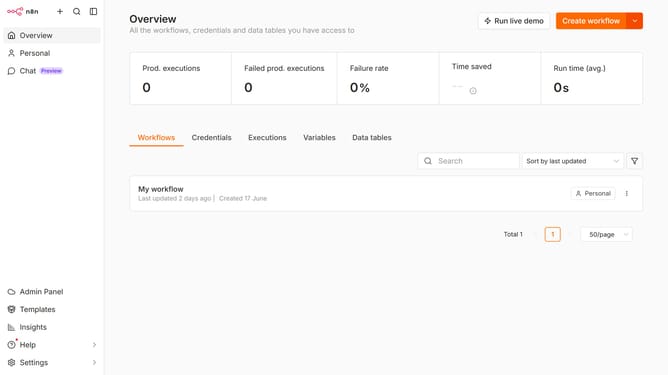
How to create SSL Certificates credential in n8n
Here is how to create ssl certificates credential in n8n
- Then click on the dropdown arrow next to "Create workflow" button
- Then click on "Create credential" option
- Then type "SSL" in the search input
- Then click on "SSL Certificates" option
- Then click on "Continue" button
- Then fill in the credential details
- Finally click on the "Save" button
Why should you create SSL Certificates credential in n8n
n8n is a powerful and flexible workflow automation tool that connects various applications and data services.
Creating SSL Certificates credential in n8n enhances your workflow's security by ensuring data is encrypted and transmitted safely. This feature is an essential safeguard in maintaining the confidentiality and integrity of sensitive information exchanged during automated tasks.
Using SSL certificates in n8n not only strengthens security but also builds trust with users and clients by demonstrating commitment to robust data protection measures.
Last update