How to create SurveyMonkey API credential in n8n
Here is how to create surveymonkey api credential in n8n
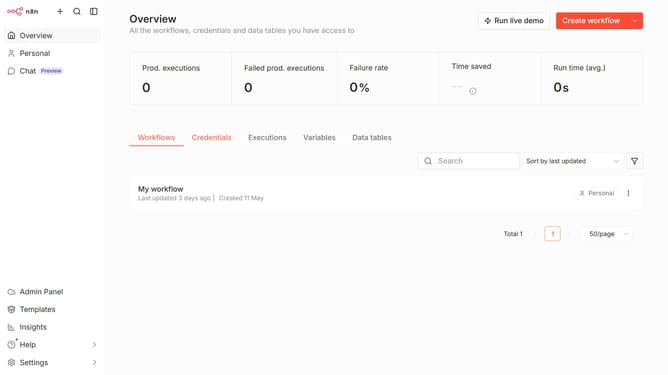
- First click on the dropdown arrow next to "Create workflow" button
- Then click on "Create credential" option from the dropdown menu
- Next, click on the "Search for app..." input field
- Then, type "SurveyMonkey" into the search input and click on the "SurveyMonkey API" result
- Next, click on the "Continue" button
- Next, fill in the credential details into the corresponding input field
- Finally, click on the "Save" button
Why should you create SurveyMonkey API credential in n8n
n8n is a dynamic workflow automation tool designed to connect various apps and automate tasks effortlessly.
Creating SurveyMonkey API credentials in n8n unlocks seamless integration between these platforms, streamlining data collection processes.
This feature empowers users to automate survey data handling, enhancing productivity by minimizing manual effort. By integrating SurveyMonkey with n8n, businesses can efficiently manage responses and gain immediate insights.
Utilizing this setup ensures time savings, increased accuracy, and improved decision-making based on real-time data insights.
Last update