How to create Zendesk API credential in n8n
Here is how to create zendesk api credential in n8n
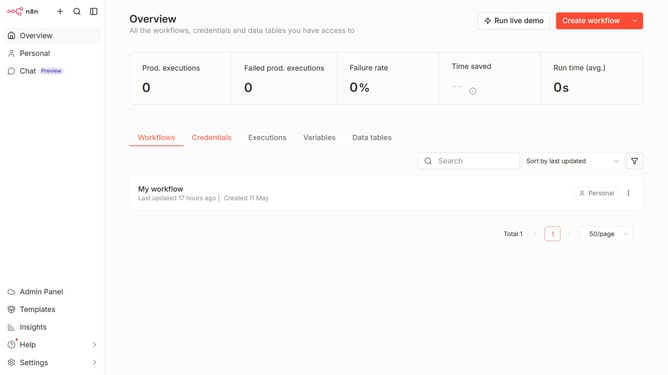
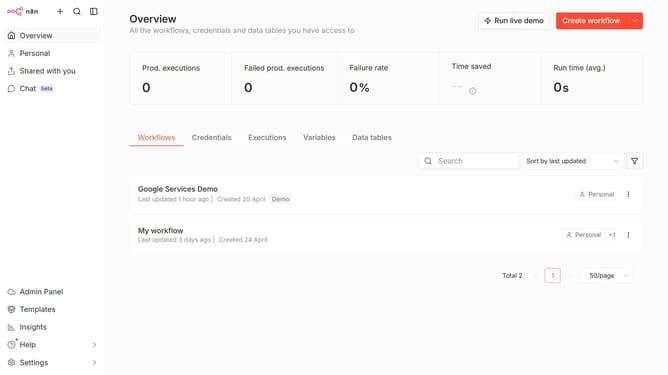
- First click on the dropdown arrow next to "Create workflow".
- Then click on "Create credential" from the dropdown menu.
- Next, click on the "Search for app..." input field.
- Then, type "Zendesk" into the search field and click on "Zendesk API" from the search results.
- After that, click on the "Continue" button.
- Then, fill in the credential details.
- Finally, click on the "Save" button.
Why should you create Zendesk API credential in n8n
n8n is a versatile automation platform designed to connect applications and automate workflows seamlessly.
The feature for creating Zendesk API credentials in n8n allows users to integrate Zendesk effortlessly with other tools, enhancing productivity and streamlining customer support processes.
By utilizing n8n for Zendesk API integration, users benefit from reduced manual tasks and improved workflow automation, ultimately saving time and fostering efficient communication.
Last update