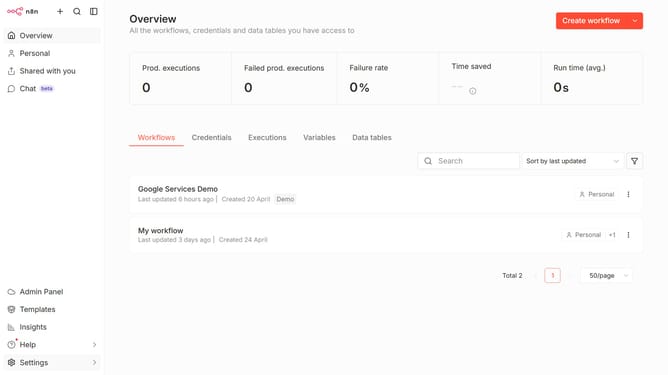
How to show archived workflows in n8n
Here is how to show archived workflows in n8n
- First, click on the "Workflows" tab in the main navigation
- Then, click on the "Filters" button to open the filter options
- Finally, click the checkbox next to "Show archived workflows" to apply the filter
Why should you show archived workflows in n8n
n8n is a powerful automation tool designed to connect and sync your apps and devices into seamless workflows.
One of its standout features is the ability to easily access archived workflows. By showing archived workflows, users can quickly revisit past processes without hassle.
This feature is especially beneficial for those who need to audit previous workflows, restore a particular workflow, or learn from past setups to enhance current projects.
Accessing archived workflows ensures that valuable information is never permanently lost, providing peace of mind and operational continuity.
Last update