How to create SerpAPI credential in n8n
Here is how to create serpapi credential in n8n
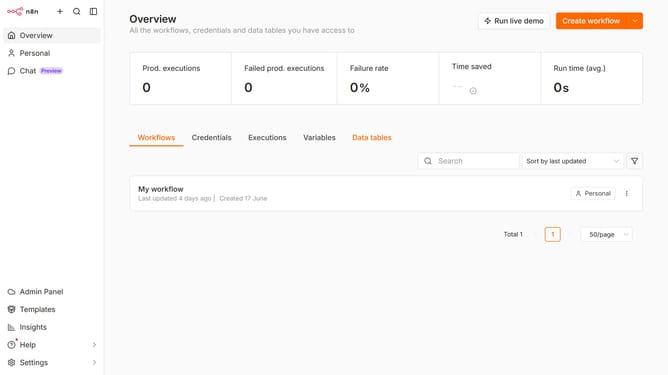
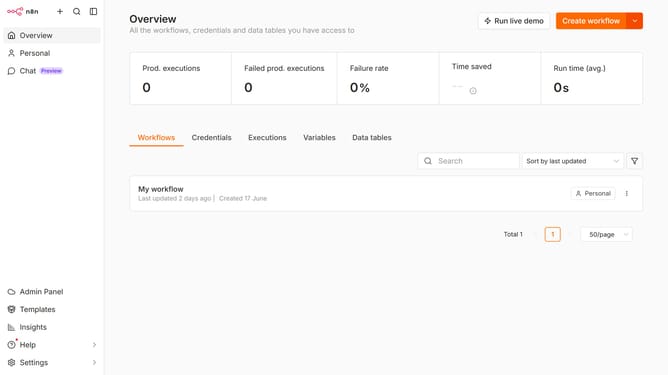
- First click on the dropdown arrow next to "Create workflow"
- Then click on "Create credential" button
- Next click on the search input field
- After that, type "Serp" into the search input field and click on the "SerpAPI" suggestion
- Then click on the "Continue" button
- Next fill in the "API Key" input field
- Finally click on the "Save" button
Why should you create SerpAPI credential in n8n
n8n is an innovative, open-source workflow automation tool designed to make integrating various web services seamless and efficient.
Creating a SerpAPI credential in n8n empowers users to tap into robust search engine data retrieval capabilities, enriching workflows with real-time search insights.
By setting up these credentials, users can enjoy a heightened automation experience, effortlessly pulling in precise search data that drives data-driven decision-making. This enhances productivity and opens up new possibilities for creative workflow solutions.
Last update