How to allow all Mistral Cloud chat provider models in n8n
Here is how to allow all mistral cloud chat provider models in n8n
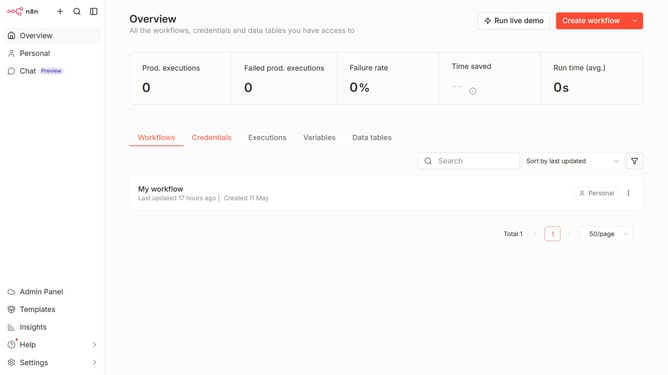
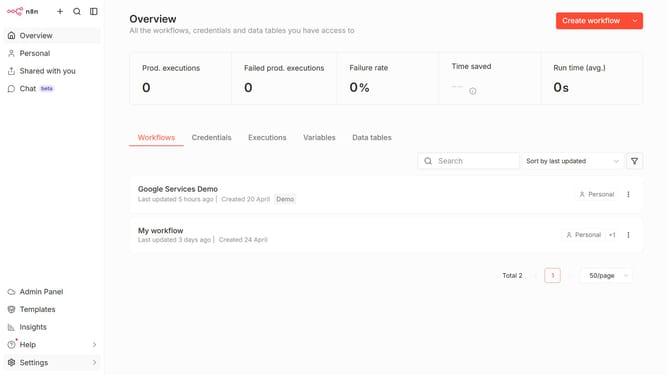
- First, click on the "Settings" option in the left sidebar.
- Then, click on the "Chat Preview" option in the sidebar menu.
- Next, click on the three dots menu icon.
- After that, click on the "Edit provider" button.
- Then, click on the "Limit models" toggle button to disable it.
- Finally, click on the "Confirm" button.
Why should you allow all Mistral Cloud chat provider models in n8n
n8n is a powerful automation tool designed to seamlessly connect different applications and services.
By allowing all Mistral Cloud chat provider models in n8n, users can harness the full spectrum of chat services effortlessly.
Integrating these models offers dynamic and flexible communication options, enhancing workflow efficiency.
This feature empowers users to tailor chat functionalities to specific needs, fostering improved collaboration and innovation across platforms.
Last update