How to create Bitbucket API credential in n8n
Here is how to create bitbucket api credential in n8n
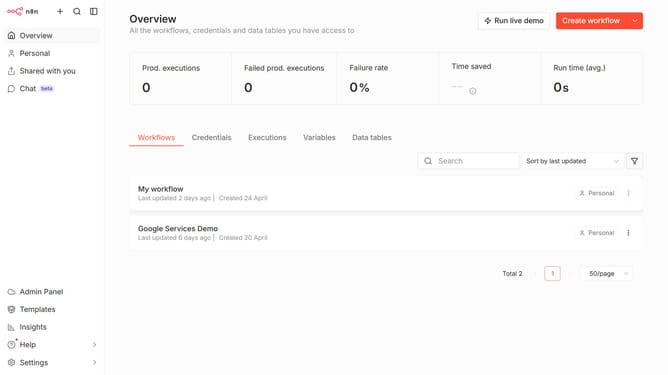
- First click on the "Create workflow" button dropdown.
- Then click on "Create credential" button.
- Next select "Bitbucket API" option from the list.
- Then click on "Continue" button.
- Finally click on "Save" button.
Why should you create Bitbucket API credential in n8n
n8n is a powerful workflow automation tool that integrates seamlessly with various apps to streamline processes.
Creating a Bitbucket API credential in n8n unlocks the potential for seamless integration and automation between Bitbucket and your workflows.
This feature is essential because it enables secure, authenticated interaction with your Bitbucket repositories, eliminating manual input and reducing errors.
By leveraging Bitbucket API credentials within n8n, you enhance collaboration efficiency and ensure smoother project management processes.
Last update