How to create AWS (IAM) credential in n8n
Here is how to create aws (iam) credential in n8n
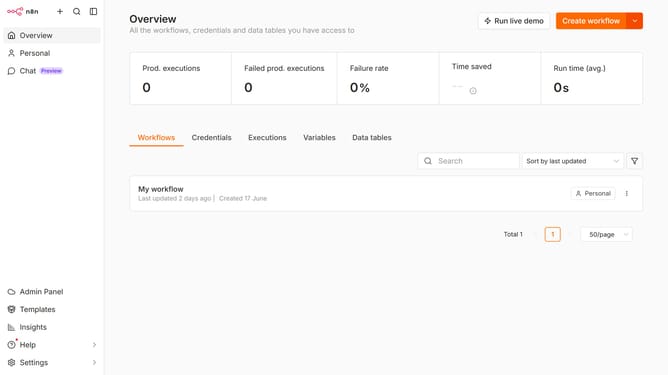
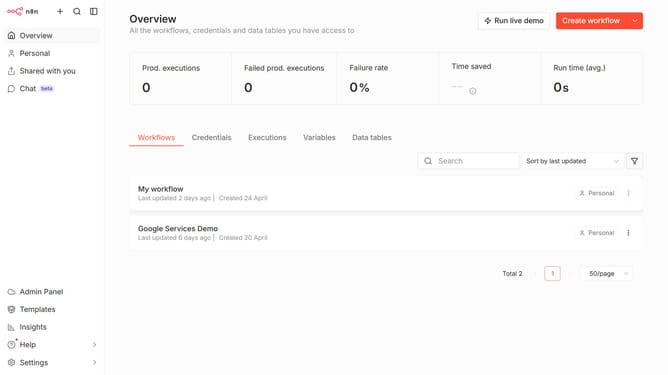
- First click on the dropdown arrow next to "Create workflow" in the header.
- Then click on "Create credential" in the dropdown menu.
- Next, select "AWS (IAM)" from the list of applications.
- After that, click on the "Continue" button.
- Then enter the necessary information needed for your new credential.
- Finally, click on the "Save" button in the top right corner of the modal.
Why should you create AWS (IAM) credential in n8n
n8n is an open-source workflow automation tool designed to simplify complex processes effortlessly.
Integrating AWS (IAM) credentials into n8n is a powerful feature that enhances security and efficiency. By enabling seamless communication with AWS services, this feature allows for the automation of tasks while ensuring that the integrity and security of your data are maintained.
This integration is beneficial as it streamlines operations, reduces manual workload, and facilitates real-time updates, empowering businesses to focus on innovation rather than routine tasks.
Last update