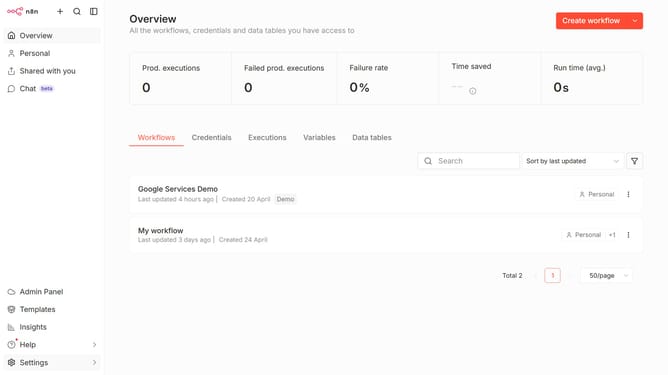
How to create Paddle API credential in n8n
Here is how to create paddle api credential in n8n
- First click on the dropdown arrow next to "Create workflow" button
- Then click on "Create credential" button
- Then click on the "Search for app..." input field
- Then type "Paddle" into the search bar and click on "Paddle API"
- Then click on the "Continue" button
- Then enter the credential details
- Finally click on the "Save" button
Why should you create Paddle API credential in n8n
n8n is an innovative automation platform aimed at streamlining workflows through seamless integrations.
Creating Paddle API credentials within n8n harnesses the power of Paddle's e-commerce functionalities by enabling smooth connections to manage digital sales efficiently.
Utilizing this feature empowers businesses to automate transaction flows, access real-time analytics, and ultimately enhance their e-commerce strategies with minimal manual intervention.
Last update