How to create Magento 2 API credential in n8n
Here is how to create magento 2 api credential in n8n
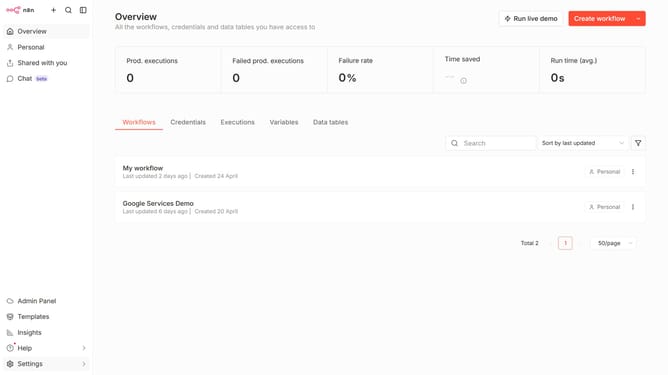
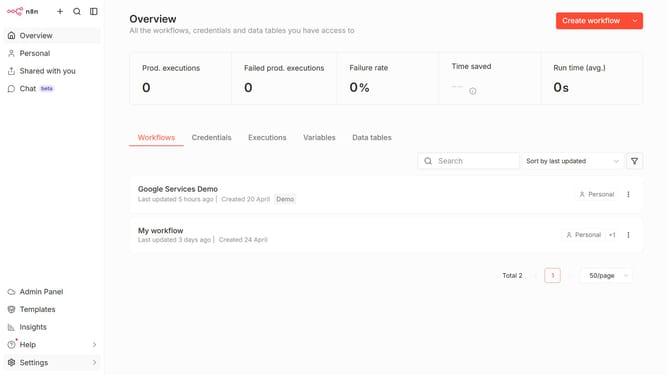
- First click on the dropdown arrow next to "Create workflow" button
- Then click on "Create credential" button
- Next, click on the search input field
- Then, type "magento" in the search input field and click on "Magento 2 API"
- After that, click on the "Continue" button
- Now, fill in the necessary fields for Magento 2
- Finally, click on the "Save" button
Why should you create Magento 2 API credential in n8n
n8n is a powerful automation tool that seamlessly connects various applications and services.
Creating Magento 2 API credentials in n8n enhances workflow automation by enabling secure and efficient data exchange between Magento 2 and other applications.
This integration empowers users with real-time data accessibility, improving overall system performance and operation management.
Harnessing this feature helps streamline e-commerce operations, ensuring a smoother customer experience and optimized backend processes.
Last update