How to create MySQL credential in n8n
Here is how to create mysql credential in n8n
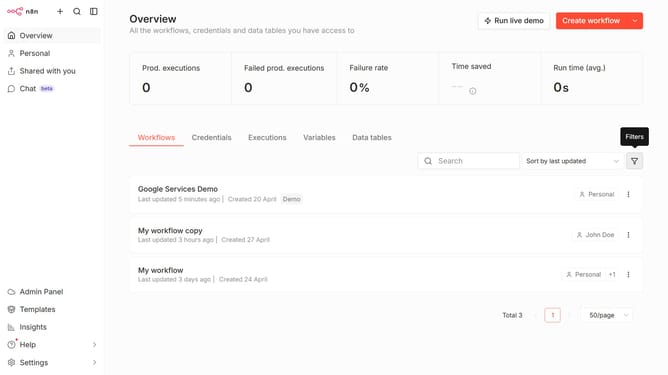
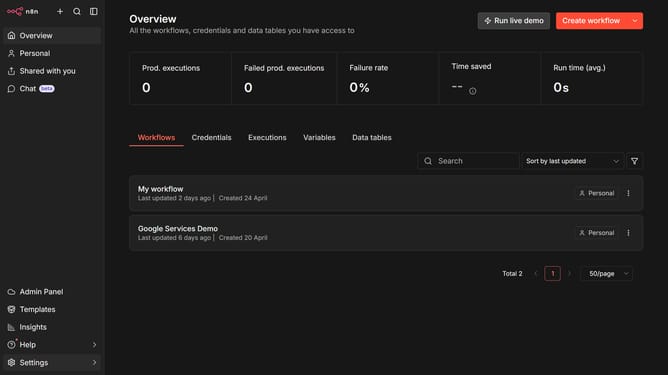
- First click on the dropdown arrow next to "Create workflow" button.
- Then click on "Create credential" button.
- Then type "MySQL" in the search bar.
- Then select "MySQL" from the list.
- Then click on "Continue" button.
- Finally click on "Save" button.
Why should you create MySQL credential in n8n
n8n is a versatile workflow automation tool designed to connect various services seamlessly.
Creating MySQL credentials in n8n is a streamlined process that enhances data management efficiency. By setting up these credentials, you enable secure and smooth communication between n8n and your MySQL databases.
Using MySQL credentials within n8n not only ensures safe data transactions but also facilitates automated workflows, increasing your productivity and reliability in handling data-driven tasks.
Last update