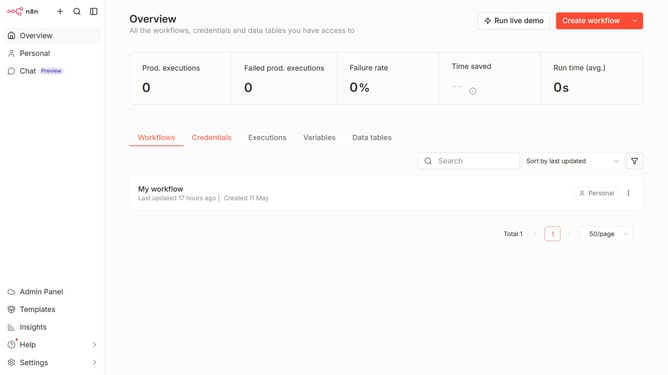
How to set theme to System default in n8n
Here is how to set theme to system default in n8n
- First click on "Settings" item in the left sidebar
- Then click on "Personal" option in the left sidebar
- Next, click on the "Theme" dropdown menu in the Personalisation section
- Then select "System default" from the theme options
- Finally click on the "Save" button
Why should you set theme to System default in n8n
n8n is an innovative workflow automation tool that enhances productivity by connecting different applications seamlessly.
One of its standout features is the ability to set the theme to System default. This allows the interface to automatically adapt to your operating system’s theme settings, providing a more cohesive user experience.
Using the System default theme optimizes visual comfort, aligning with your device’s appearance preferences and reducing eye strain in different lighting conditions. This feature supports a smoother, intuitive workflow without the need for constant manual adjustments.
Last update