How to enable Groq chat provider in n8n
Here is how to enable groq chat provider in n8n
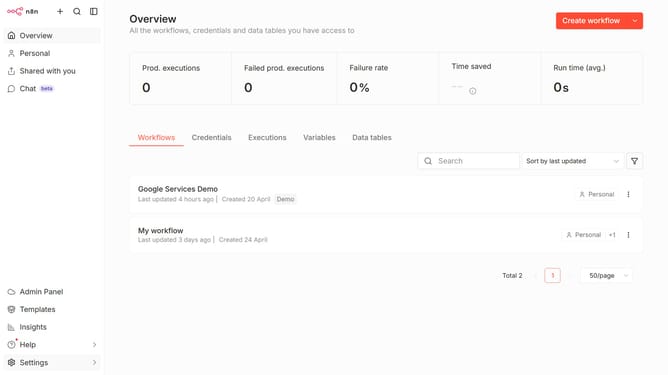
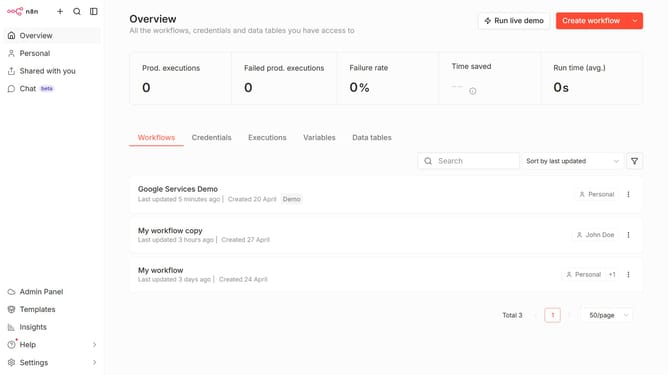
- First click on "Settings" item in the left sidebar
- Then click on "Chat" option in the left sidebar
- Then click on the three dots icon
- Then click on "Edit provider" button
- Then toggle the switch to enable "Groq"
- Finally click on the "Confirm" button
Why should you enable Groq chat provider in n8n
n8n is an open-source automation tool designed to seamlessly integrate different services and automate workflows.
Enabling the Groq chat provider in n8n unlocks advanced communication capabilities for your automated processes. This feature supports streamlined interactions and faster decision-making within your workflows.
By integrating Groq, users benefit from real-time messaging and robust collaboration tools that enhance productivity. Embracing Groq within n8n not only boosts team efficiency but also enriches the overall functionality of your automated systems.
Last update