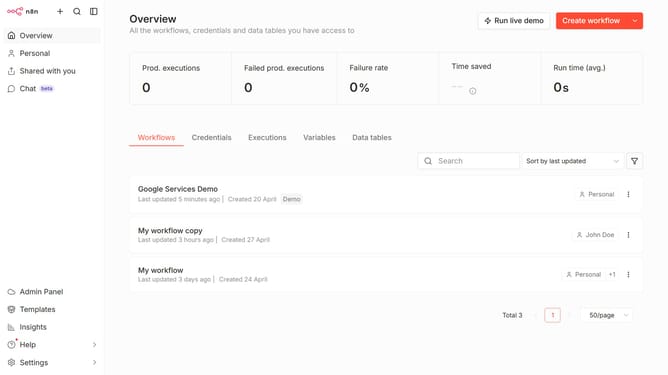
How to create Mailjet Email API credential in n8n
Here is how to create mailjet email api credential in n8n
- First click on the dropdown arrow next to "Create workflow" button.
- Then click on "Create credential" button.
- Then click on the "Search for app..." input field.
- Then type "mailjet" in the search field and select "Mailjet Email API" from the suggestions.
- Then click on the "Continue" button.
- Then type your API key in the "API Key" input field.
- Finally click on the "Save" button.
Why should you create Mailjet Email API credential in n8n
n8n is a versatile automation platform designed to simplify workflows by connecting various applications and services.
Creating Mailjet Email API credentials in n8n enhances your ability to automate email communication seamlessly. This feature is invaluable for those looking to integrate email functionalities into their automated workflows.
By setting up Mailjet API credentials, you ensure reliable email delivery and improved efficiency in your operations. The integration allows for precise control over email campaigns, delivering benefits like increased productivity and enhanced email management.
Last update