n8n
n8n is a workflow automation platform for technical teams to connect apps, APIs, and AI tools, automate complex workflows, and build integrations with the flexibility of code and the speed of no-code.
Website
Industry
Collaboration
Share this article:

How to create Humantic AI API credential in n8n

Here is how to create humantic ai api credential in n8n

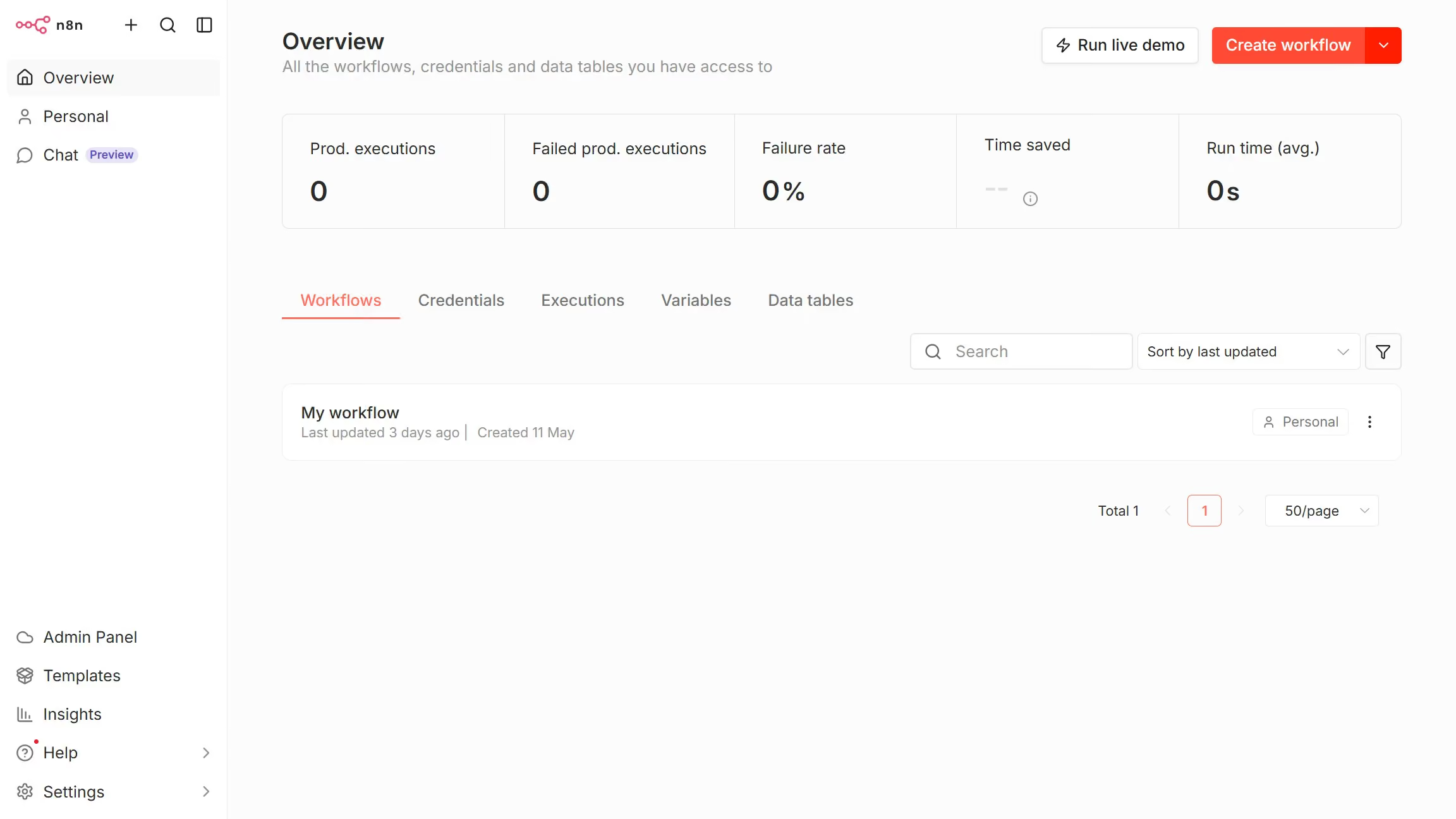
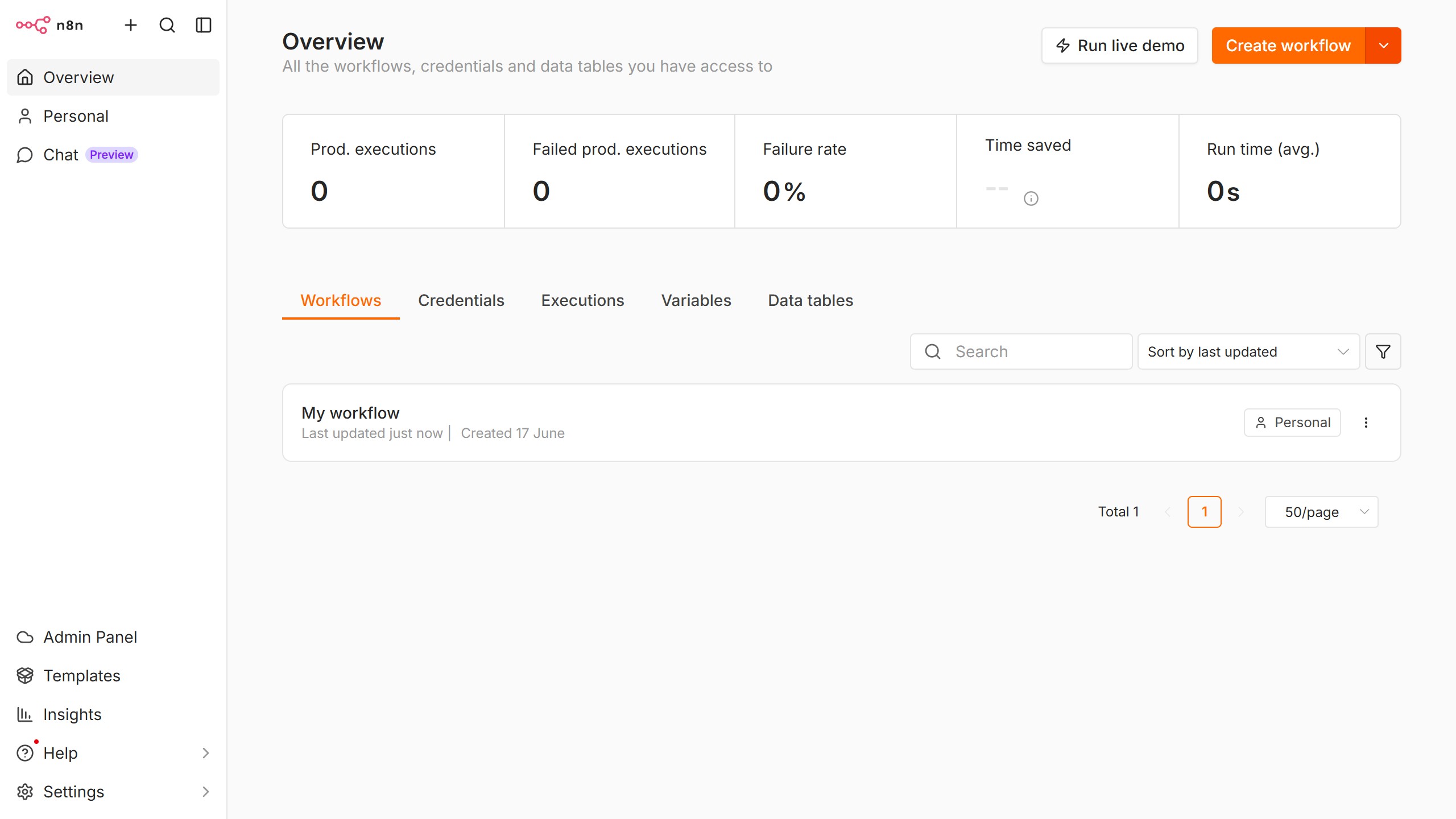
  1. First click on the dropdown arrow next to "Create workflow" button
  2. Then click on "Create credential" button
  3. Then click on "Search for app..." input field
  4. Then type "humantic" into the search input and click on "Humantic AI API"
  5. Then click on "Continue" button
  6. Then fill in the input field for "API Key"
  7. Finally click on "Save" button

Create your own interactive guide with Guideflow

Why should you create Humantic AI API credential in n8n

n8n is a powerful automation tool designed to enhance workflow efficiency across diverse applications.

The feature of creating Humantic AI API credentials in n8n allows users to seamlessly integrate personality insights into their automation workflows. This integration facilitates more personalized customer interactions and data-driven strategic decisions.

Using Humantic AI within n8n not only streamlines operations but also elevates customer engagement by leveraging personality analytics effectively. This combination enhances decision-making and delivers more personalized experiences, showcasing the true potential of data-driven automation.

Last update
June 10, 2026
Cursor MariaA cursor points to a button labeled "James."

Create your first demo in less than 30 seconds.