How to create Fortinet FortiGate API credential in n8n
Here is how to create fortinet fortigate api credential in n8n
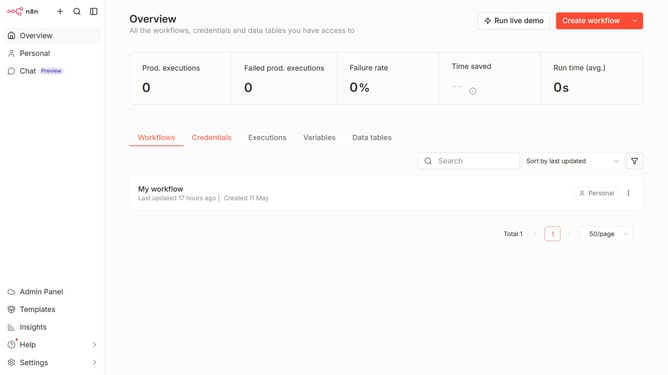
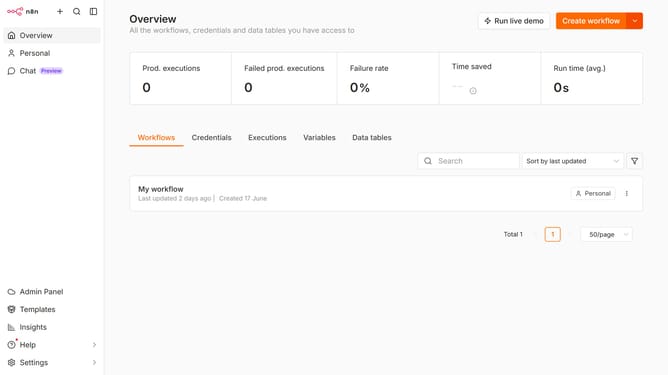
- First click on the dropdown arrow next to "Create workflow" button
- Then click on "Create credential" button
- Then click on the "Search for app..." input field and enter "fortinet"
- Then select "Fortinet FortiGate API"
- Then click on the "Continue" button
- Then fill in the "Access Token" input field
- Finally click on the "Save" button
Why should you create Fortinet FortiGate API credential in n8n
n8n is an innovative, extendable workflow automation tool that allows seamless integration between various systems and services.
Creating Fortinet FortiGate API credentials in n8n equips users with the capability to connect and manage FortiGate's powerful network security features effortlessly. This interaction enhances network automation by simplifying processes that require network monitoring and protection functions.
Utilizing n8n for handling Fortinet FortiGate API credentials promotes streamlined operations, enabling increased efficiency and the ability to rapidly respond to network threats. This integration is particularly beneficial for those looking to enhance their system's security management, ensuring robust protection and operational agility.