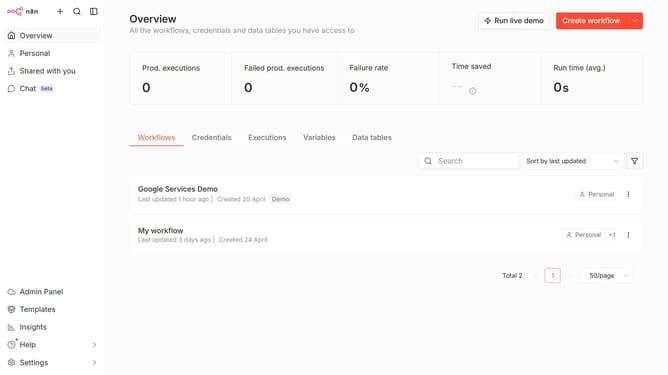
How to enable Ollama chat provider in n8n
Here is how to enable ollama chat provider in n8n
- First click on "Settings" in the sidebar.
- Then select "Chat" from the expanded sidebar menu.
- Next, click on the three dots icon next to Ollama.
- After that, click on "Edit provider".
- Then click on the toggle next to "Enable Ollama" to turn it on.
- Finally, click on the "Confirm" button.
Why should you enable Ollama chat provider in n8n
n8n is a powerful automation tool designed to simplify complex workflows by connecting apps seamlessly.
Enabling the Ollama chat provider in n8n enhances your automation capabilities, allowing smooth and efficient communication within workflows.
With Ollama, you can effortlessly manage chat interactions, ensuring prompt responses and better engagement. This feature streamlines processes and boosts productivity, making it a valuable addition to your automation setup.
It reinforces collaboration, ensuring teams stay connected and informed with minimal effort.
Last update