How to delete a credential in n8n
Here is how to delete a credential in n8n
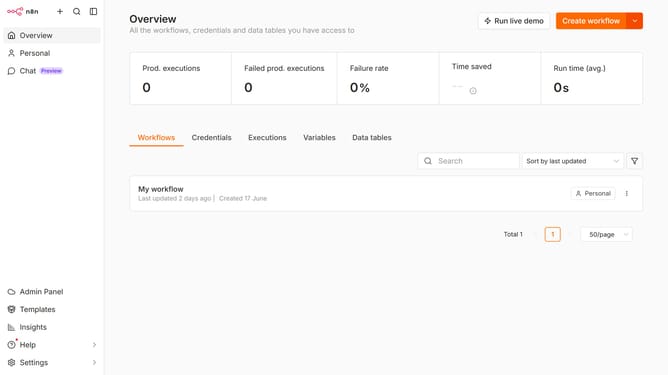
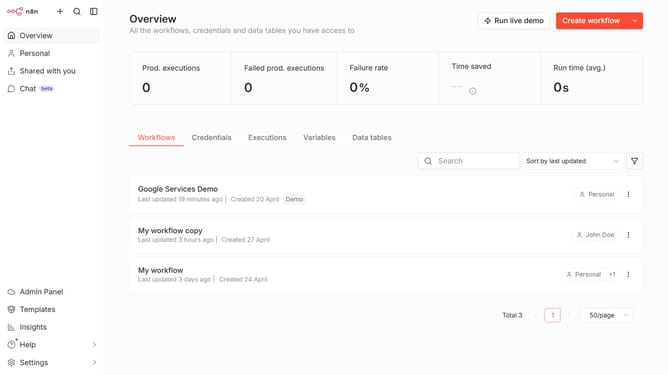
- First click on "Credentials" tab
- Then click on the "more options" button
- Next select the "Delete" option
- Finally click on the "Yes, delete" button
Why should you delete a credential in n8n
n8n is a powerful automation tool that connects different services seamlessly, allowing you to streamline workflows effortlessly.
Managing credentials in n8n offers flexibility and control, critical for smoothly running automated tasks.
Deleting a credential when it's no longer needed enhances security by ensuring outdated access points are removed.
This feature not only optimizes your automation processes but also maintains an organized and secure environment.
Last update