How to create Zendesk OAuth2 API credential in n8n
Here is how to create zendesk oauth2 api credential in n8n
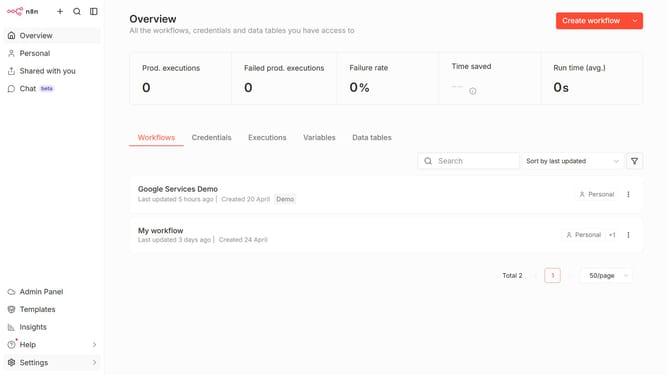
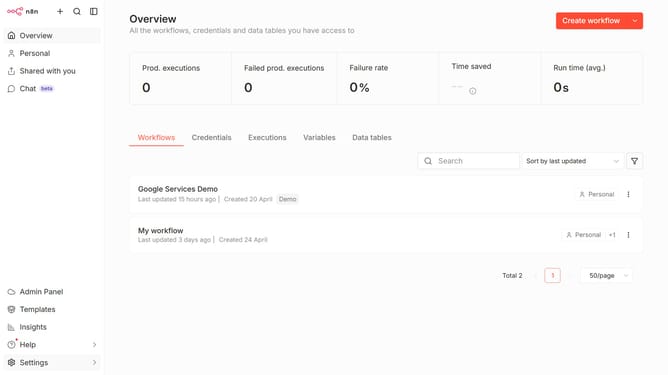
- First click on the dropdown arrow button next to "Create workflow".
- Then click on "Create credential" option.
- Next click on the "Search for app..." input field and enter "Zendesk".
- Then select "Zendesk OAuth2 API" from the dropdown.
- Subsequently click on the "Continue" button.
- After that, fill in the credential details.
- Finally click on the "Connect to Zendesk" button.
Why should you create Zendesk OAuth2 API credential in n8n
n8n is an open-source automation tool designed to easily connect and automate workflows across various services.
Creating Zendesk OAuth2 API credentials in n8n is a feature that enhances connectivity between Zendesk and other applications.
By setting up these credentials, users ensure secure and seamless data exchanges, since OAuth2 provides a strong authentication framework. This setup simplifies integrating customer support functionalities into broader workflows, streamlining processes and improving efficiency.
Overall, this capability empowers teams to leverage the full potential of Zendesk, enhancing their operational agility.
Last update