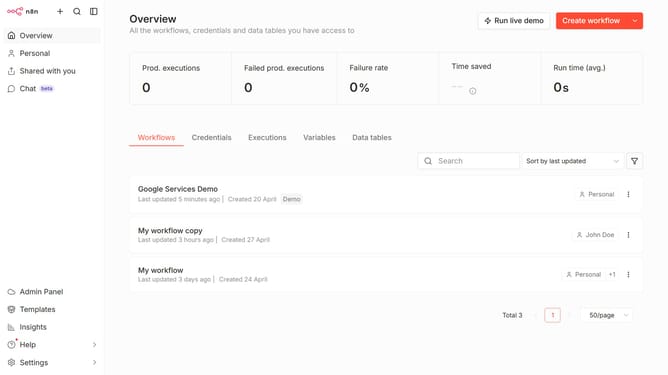
How to create a data table from scratch in n8n
Here is how to create a data table from scratch in n8n
- First click on the dropdown arrow next to "Create workflow" button.
- Then click on "Create data table" button.
- Then click on the "From scratch" radio button.
- Then type the name of your new data table.
- Finally click on the "Create" button.
Why should you create a data table from scratch in n8n
n8n offers a seamless automation platform designed to connect various applications and streamline workflows effortlessly.
Creating a data table from scratch in n8n allows users to customize data management precisely to their needs. This feature enables the organization and structuring of data within workflows, bringing clarity and efficiency to otherwise complex processes.
Using n8n's table creation feature aids in better data visualization, enhancing decision-making and facilitating smoother data-driven operations within dynamic environments.
Last update