How to limit Groq chat provider models in n8n
Here is how to limit groq chat provider models in n8n
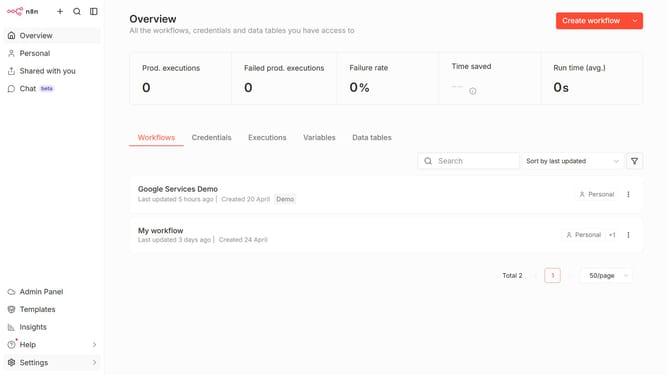
- First click on the "Settings" item in the sidebar menu
- Then click on the "Chat" item in the expanded sidebar menu
- Next, click on the three dots icon next to Groq
- After that, click on the "Edit provider" button
- Then, click on the "Limit models" toggle to enable it
- Next, click on the "Select a model" dropdown menu
- Next, select the desired models from the dropdown menu
- Finally, click on the "Confirm" button
Why should you limit Groq chat provider models in n8n
n8n is a powerful automation tool designed to connect different platforms and streamline workflows effortlessly.
One standout feature in n8n is the ability to limit Groq chat provider models, ensuring optimal performance and resource allocation. By controlling these models, users can tailor their automation processes to specific needs, enhancing both efficiency and effectiveness.
This feature also plays a critical role in preventing overloads, maintaining system stability, and ensuring a seamless user experience. Limiting Groq chat provider models in n8n empowers users by providing them with control and flexibility.
Last update