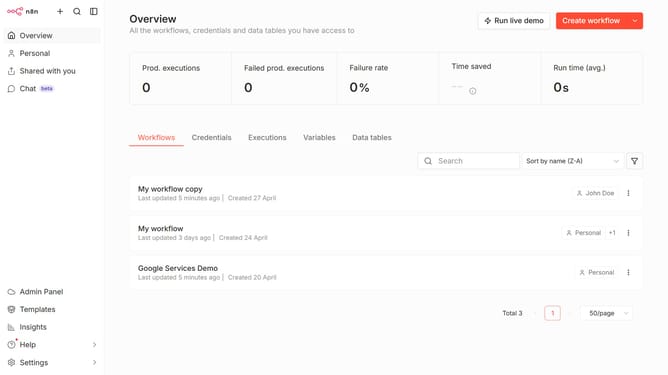
How to favorite a data table in n8n
Here is how to favorite a data table in n8n
- First click on "Personal" item in the left sidebar.
- Then click on "Data tables" tab.
- Next click the data table that you want to mark as favorite.
- Then click on the "more options" button.
- Finally select "Favorite" option from the dropdown menu.
Why should you favorite a data table in n8n
n8n is a powerful automation tool that connects different services, enabling streamlined workflows with ease.
The ability to favorite a data table in n8n is a valuable feature that enhances user experience by allowing quick access to frequently used tables. This functionality saves time and boosts efficiency, especially in complex workflows where navigation can be cumbersome.
By making data tables easily accessible, users can focus more on task automation and less on repetitive navigation, optimizing productivity and ensuring the smooth execution of projects.
Last update