How to create Azure Entra ID (Azure Active Directory) API credential in n8n
Here is how to create azure entra id (azure active directory) api credential in n8n
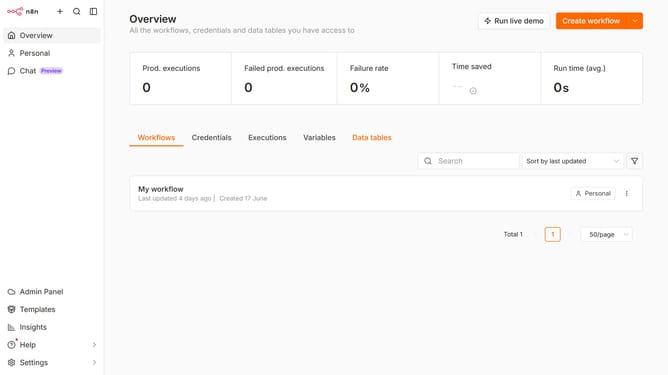
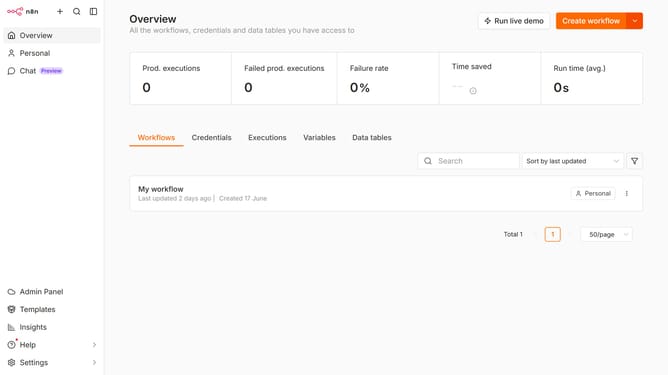
- First click on the dropdown arrow next to "Create workflow" in the header.
- Then click on "Create credential" in the dropdown menu.
- Next, select "Azure Entra ID (Azure Active Directory) API" from the list of applications.
- After that, click on the "Continue" button.
- Then fill up the information needed to create your new credential.
- Finally, click on the "Connect to Azure Entra ID (Azure Active Directory)" button.
Why should you create Azure Entra ID (Azure Active Directory) API credential in n8n
n8n is an open-source workflow automation tool designed to simplify complex processes across various applications.
Creating Azure Entra ID (Azure Active Directory) API credentials in n8n is a seamless feature that enhances its functionality, allowing you to integrate Azure's powerful identity services into your workflows effortlessly.
By using Azure Entra ID API credentials within n8n, you gain secure access to Azure's identity resources, enabling your workflows to authenticate and manage users, groups, and apps efficiently.
This integration saves time and minimizes errors, streamlining operations and ensuring a cohesive automation environment tailored to your organizational needs.
Last update