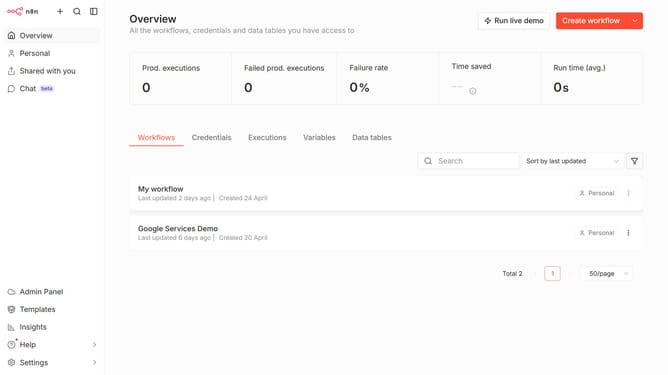
How to create X OAuth API credential in n8n
Here is how to create x oauth api credential in n8n
- First click on the dropdown arrow next to "Create workflow" button
- Then click on "Create credential" option
- Then click on the "Search for app..." input field
- Then type "X OAuth" into the search input and select "X OAuth API" from the dropdown
- Then click on the "Continue" button
- Then fill in the required credential details
- Then click on the "Connect to X OAuth" button
Why should you create X OAuth API credential in n8n
n8n is an innovative workflow automation tool that connects applications and automates tasks with ease.
Creating X OAuth API credentials in n8n enhances your integration capabilities by allowing secure and seamless connections between various applications.
Utilizing OAuth credentials strengthens data privacy while ensuring uninterrupted automation across different services. Implementing this feature optimizes workflow efficiency and reduces manual intervention, resulting in a streamlined process that saves both time and resources.
Last update