How to enable Cohere chat provider in n8n
Here is how to enable cohere chat provider in n8n
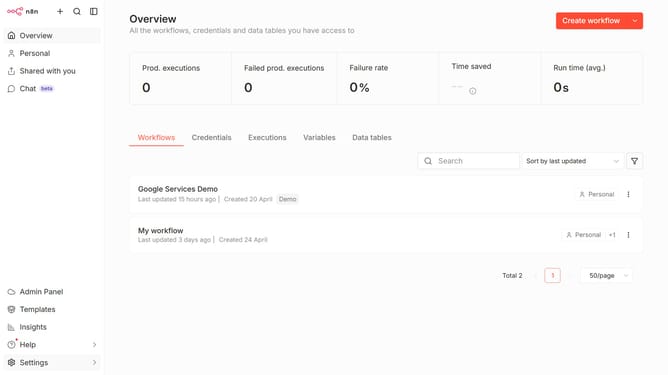
- First click on "Settings" in the left sidebar
- Then click on "Chat" in the left sidebar
- Then click on the three dots icon on the right side of Cohere
- Then click on the "Edit provider" button
- Then navigate to the "Enable Cohere" toggle switch and enable it
- Finally click on the "Confirm" button
Why should you enable Cohere chat provider in n8n
n8n is a dynamic workflow automation tool that empowers you to seamlessly connect various applications and services.
Enabling the Cohere chat provider in n8n opens the door to enhanced communication capabilities, enriching your interactions with AI-driven insights.
By integrating Cohere, you harness the power of advanced AI to streamline conversational processes, boosting efficiency in responding to client queries.
This feature optimizes your workflow, ensuring smoother operation and a more responsive communication channel effortlessly.
Last update