How to create Discord Webhook credential in n8n
Here is how to create discord webhook credential in n8n
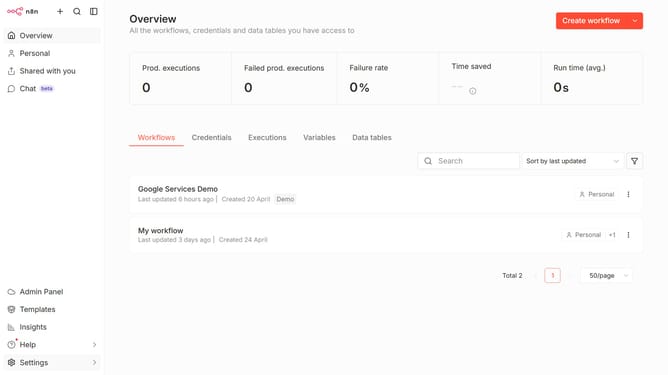
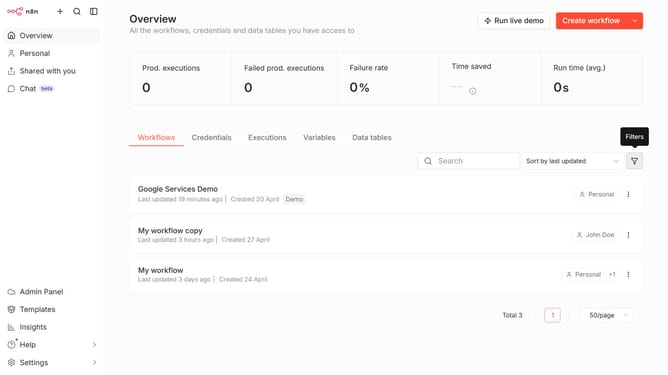
- First click on the dropdown arrow next to "Create workflow"
- Then click on "Create credential" button
- Then click on the "Search for app..." input field and enter "discord"
- Then click on "Discord Webhook" option
- Then click on the "Continue" button
- Then click on the "Webhook URL" input field and paste your discord webhook URL
- Finally click on the "Save" button
Why should you create Discord Webhook credential in n8n
n8n is a versatile automation platform designed for seamless workflow creation without requiring extensive technical knowledge.
Creating a Discord Webhook credential in n8n empowers users to effortlessly integrate their Discord notifications and automate alerts within complex workflows.
This feature enhances communication efficiency by ensuring team members receive timely updates directly to their Discord channels, boosting collaboration and productivity. By configuring Discord webhooks in n8n, you harness the power of automation to maintain connectivity and streamline information flow.
Last update