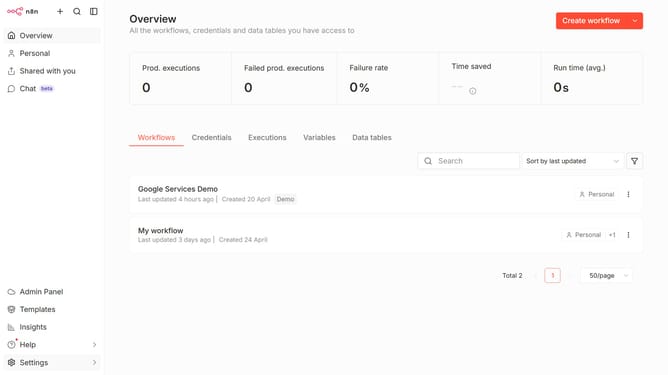
How to create Facebook Graph API (App) credential in n8n
Here is how to create facebook graph api (app) credential in n8n
- First click on the dropdown arrow next to "Create workflow" button
- Then click on "Create credential" button
- Next click on the "Search for app..." input field and enter "facebook"
- Then select "Facebook Graph API (App)" option
- After that click on the "Continue" button
- Next fill in the necessary input fields
- Finally click on the "Save" button
Why should you create Facebook Graph API (App) credential in n8n
n8n is an open-source workflow automation tool designed to streamline processes across various applications.
Creating Facebook Graph API credentials in n8n allows users to seamlessly integrate Facebook’s powerful social data into their workflows. With these credentials, you can effortlessly access and manage Facebook resources, unlocking a world of automation possibilities.
This integration enhances social media management by enabling timely responses and data-driven insights, thereby improving engagement and efficiency.
Last update