How to download a CSV from a data table in n8n
Here is how to download a csv from a data table in n8n
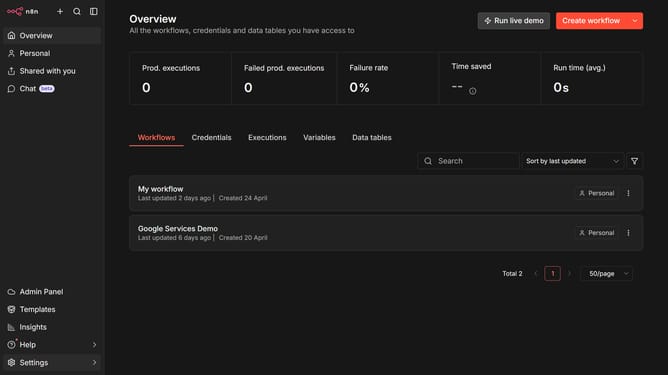
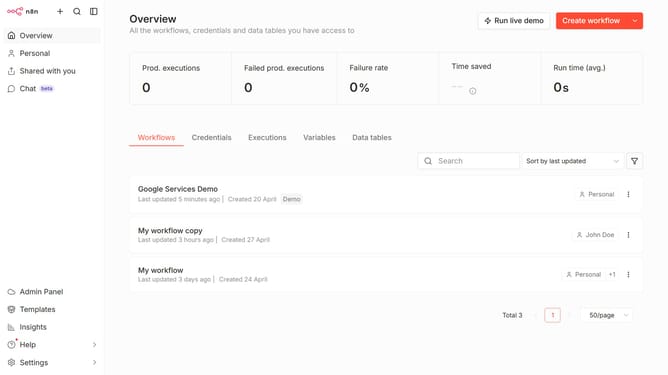
- First click on "Personal" in the left sidebar
- Then click on "Data tables" tab
- Next click the data table that you want to download
- Then click on the three dots menu
- After that click on "Download CSV" option
- Finally click on the "Download" button
Why should you download a CSV from a data table in n8n
n8n is an intuitive automation tool designed to streamline workflows seamlessly.
One of its features allows users to download a CSV from a data table, providing an effortless way to manage and organize data. This functionality ensures that users can easily retrieve and utilize data outside of the platform, fostering a more flexible data handling process.
By generating a CSV file, you can smoothly integrate n8n's data insights with other applications, enhancing efficiency and productivity in data reporting and analysis tasks.
This feature is invaluable for anyone looking to optimize their workflow through intelligent, automated solutions.
Last update