How to create Databricks credential in n8n
Here is how to create databricks credential in n8n
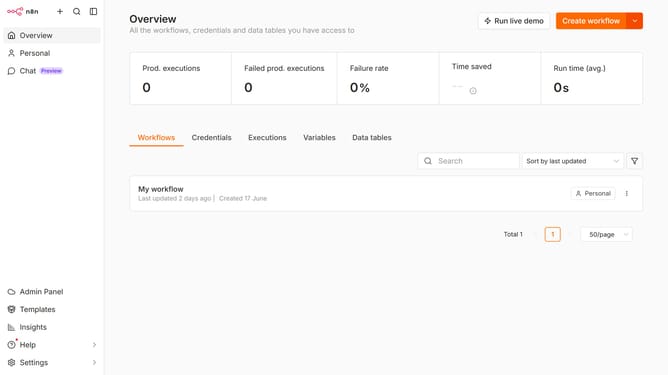
- First click on the dropdown arrow next to "Create workflow" button in the header.
- Then click on "Create credential" option from the dropdown menu in the header.
- Next, click on the "Search for app..." input field in the modal.
- Then, type "databricks" into the search field and click on the "Databricks" option.
- After that, click on the "Continue" button in the modal.
- Next, paste your necessary information in the "Databricks account" section.
- Finally, click on the "Save" button in the header.
Why should you create Databricks credential in n8n
n8n is a versatile open-source workflow automation tool that seamlessly connects different applications and services.
Creating Databricks credentials in n8n opens a new dimension of efficiency by securely integrating your large-scale data processing needs with workflow automation.
By setting up these credentials, you ensure a protected and robust connection that facilitates smooth data flow between platforms, enhancing data analysis processes, and scalability.
Utilizing this feature optimizes your operations, saving time and enhancing productivity by automating repetitive tasks within your data-driven environment.
Last update