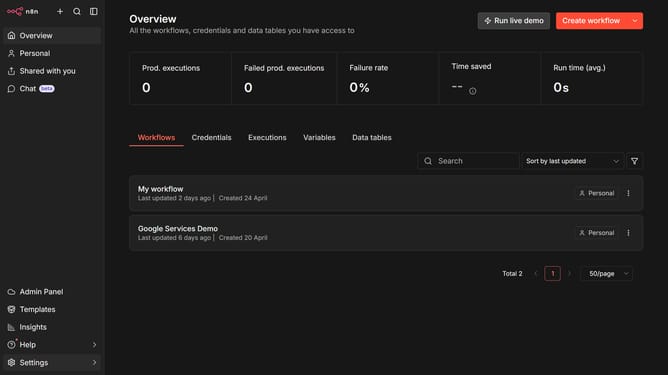
How to create Brandfetch API credential in n8n
Here is how to create brandfetch api credential in n8n
- First click on the dropdown arrow next to "Create workflow" button
- Then click on "Create credential" button
- Next select "Brandfetch API" from the list
- Then click on the "Continue" button
- Then enter the "API Key" in the input field
- Finally click on the "Save" button
Why should you create Brandfetch API credential in n8n
n8n is an intuitive workflow automation tool designed to seamlessly integrate various services for enhanced productivity.
Creating Brandfetch API credentials in n8n empowers businesses to automate brand data-fetching processes efficiently. This integration streamlines accessing up-to-date branding details, thus boosting workflow efficiency and reliability.
Using Brandfetch API creds in n8n not only facilitates effortless handling of visual brand elements but also optimizes data accuracy. This leads to more impactful marketing strategies, ensuring consistency across digital channels.
Last update