How to create Yourls API credential in n8n
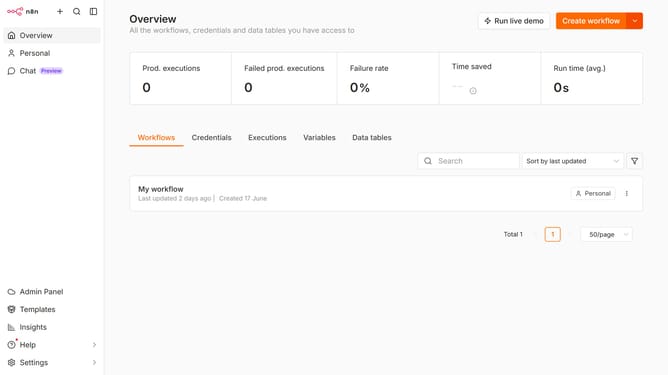
Here is how to create yourls api credential in n8n
- First click on the dropdown arrow next to 'Create workflow' button
- Then click on 'Create credential' option
- Then click on the 'Search for app...' input field
- Then type 'Yourls' in the search input field and click on 'Yourls API' suggestion
- Then click on 'Continue' button
- Then fill in the credential details
- Finally click on the 'Save' button
Why should you create Yourls API credential in n8n
n8n is an open-source workflow automation tool designed to empower users with seamless connectivity across various applications.
Creating Yourls API credentials within n8n enhances your ability to manage and customize how short URLs interact with different workflows, boosting efficiency and precision.
Using n8n to integrate Yourls API streamlines processes, making it easier to manage data flow, save time, and maintain consistency across different platforms.
This feature significantly improves productivity, allowing you to focus on more strategic tasks while n8n handles the integration effortlessly.
Last update