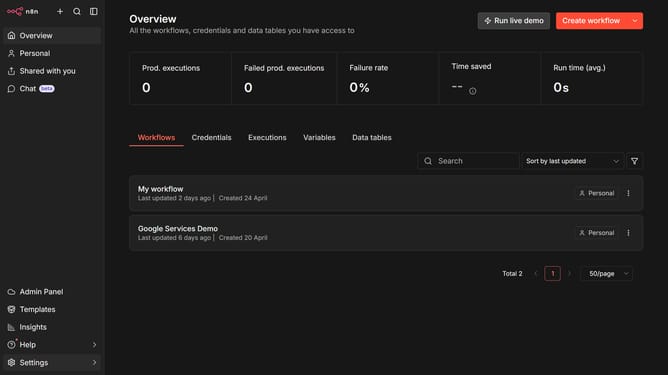
How to create Ghost Content API credential in n8n
Here is how to create ghost content api credential in n8n
- First click on the dropdown arrow next to "Create workflow" button.
- Then click on "Create credential" button.
- Next, click on the "Search for app..." input field.
- Then type "ghost" into the search bar and select "Ghost Content API" from the dropdown.
- After that, click on the "Continue" button.
- Next, fill in the necessary input fields for your credential.
- Finally, click on the "Save" button to confirm the credential creation.
Why should you create Ghost Content API credential in n8n
n8n is an innovative workflow automation tool that lets users connect various apps and automate tasks seamlessly.
Creating a Ghost Content API credential in n8n is a powerful feature that streamlines integration with the Ghost platform.
Leveraging this capability enhances productivity by allowing seamless content management and automation across multiple platforms.
Implementing Ghost API credentials in n8n ensures efficient data flow and optimized content delivery for a superior user experience.
Last update