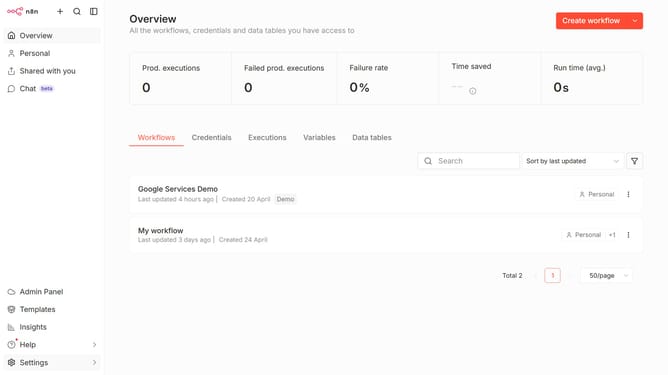
How to remove default DeepSeek chat provider credential in n8n
Here is how to remove default deepseek chat provider credential in n8n
- First click on "Settings" in the left sidebar
- Then click on "Chat" in the left sidebar
- Then click on the three dots icon for DeepSeek
- Then click on "Edit provider" button
- Then click on the close icon (X) to remove the credential linked
- Finally click on "Confirm" button
Why should you remove default DeepSeek chat provider credential in n8n
n8n is a versatile workflow automation tool that empowers users to connect various applications and streamline tasks effortlessly.
One beneficial feature within n8n is the ability to remove default DeepSeek chat provider credentials, ensuring enhanced control over your data integrations. This feature helps maintain security and customization as it allows users to substitute default credentials with their specific configurations.
Utilizing this feature enables users to optimize their data flow, offering both security and flexibility, making their automations not only robust but also tailored to specific requirements.
Last update