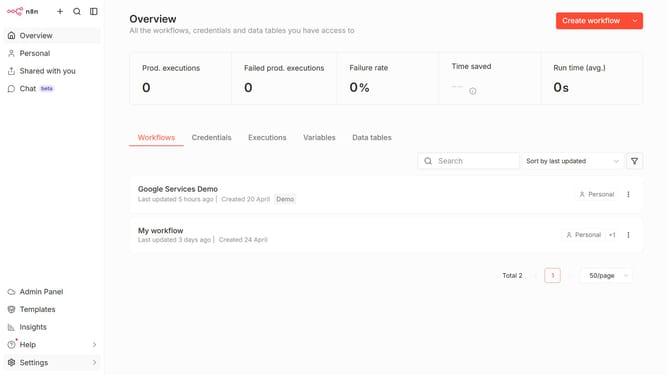
How to create Daytona credential in n8n
Here is how to create daytona credential in n8n
- First click on the dropdown arrow next to "Create workflow" button
- Then click on "Create credential" button
- Then click on the "Search for app..." input field
- Then type "daytona" into the search field and click on the "Daytona" option
- Then click on the "Continue" button
- Then enter the necessary information for your new credential
- Finally click on the "Save" button
Why should you create Daytona credential in n8n
n8n is an open-source workflow automation tool that streamlines complex tasks effortlessly.
Creating a Daytona credential in n8n is a feature that empowers users to securely integrate workflows involving the Daytona platform seamlessly. This credential allows for secure communication and data exchange, ensuring a smooth process.
Utilizing this feature not only enhances security but also builds a solid foundation for consistent data flow, thereby optimizing overall operational efficiency.
Last update