How to create HighLevel OAuth2 API credential in n8n
Here is how to create highlevel oauth2 api credential in n8n
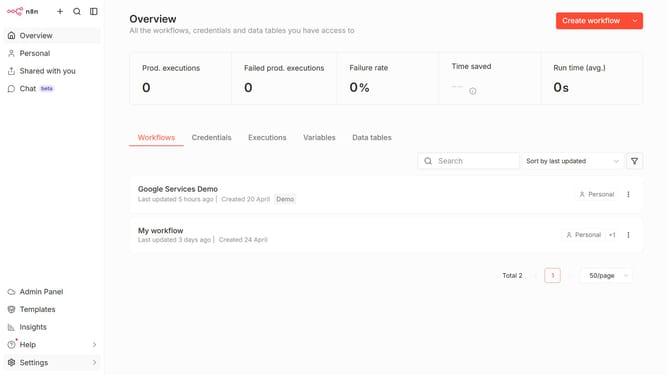
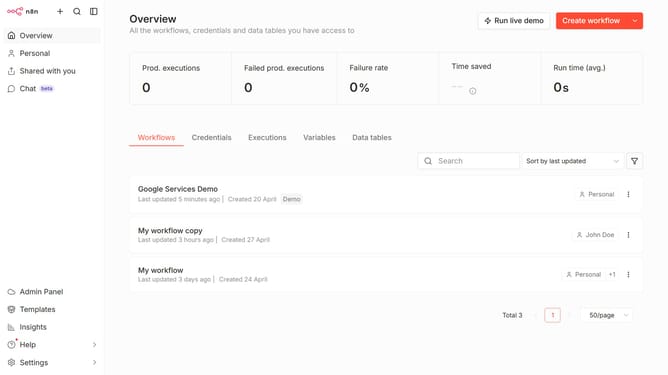
- First click on the dropdown arrow next to "Create workflow"
- Then click on "Create credential"
- Next, click on the "Search for app..." input field and enter "highlevel"
- Then click on "HighLevel OAuth2 API"
- Next, click on the "Continue" button
- Then fill in the necessary input fields for your new credential
- Finally click on the "Connect to HighLevel" button
Why should you create HighLevel OAuth2 API credential in n8n
n8n is a powerful, open-source workflow automation tool designed to facilitate seamless integrations among various applications.
Creating HighLevel OAuth2 API credentials in n8n empowers users to securely connect their workflows with the HighLevel platform, enhancing connectivity and data management.
This feature fosters a flexible integration environment, ensuring workflows are not only automated but also safeguarded by a trusted and secure authentication method. Efficiently managing data across platforms becomes straightforward and reliable, benefiting users with improved productivity and consistency.
Last update