How to create Raindrop OAuth2 API credential in n8n
Here is how to create raindrop oauth2 api credential in n8n
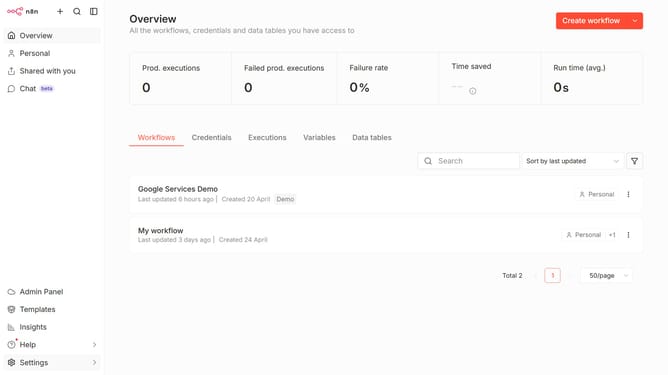
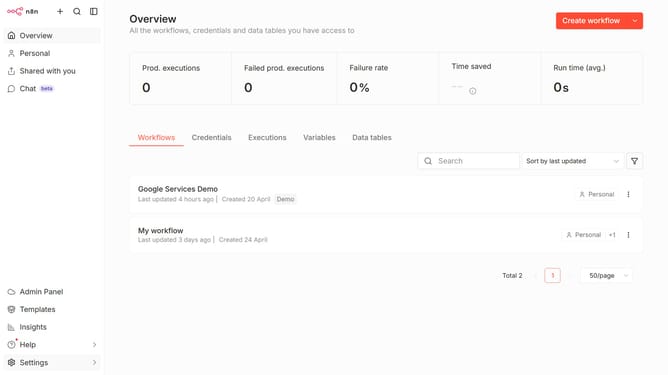
- First click on the dropdown arrow next to "Create workflow" button
- Then click on "Create credential" button
- Next, search for "Raindrop" in the search bar
- After that, select "Raindrop OAuth2 API"
- Then click on the "Continue" button
- Next, enter the required credential details
- Finally click on the "Connect to Raindrop" button
Why should you create Raindrop OAuth2 API credential in n8n
n8n is an innovative automation tool designed to seamlessly connect and automate workflows between various applications and services.
Creating the Raindrop OAuth2 API credential in n8n holds significant value as it enables secure access and integration with Raindrop services. By establishing these credentials, users can automate their bookmarking processes with enhanced security and reliability.
This capability not only saves time but also ensures that personal data remains secure while using a robust automation platform. Leveraging n8n to manage Raindrop credentials provides a streamlined and secure automation experience.
Last update