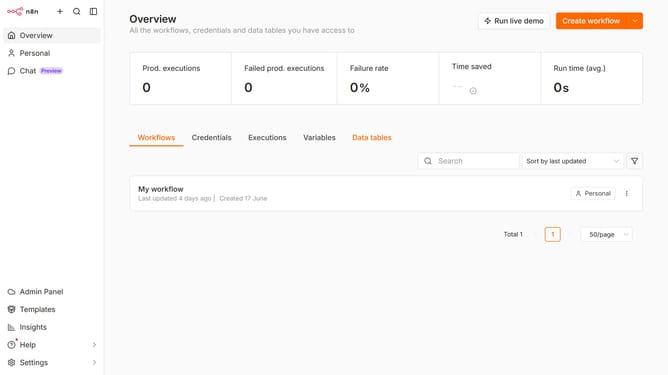
How to set default Google chat provider credential in n8n
Here is how to set default google chat provider credential in n8n
- First click on "Settings" in the left sidebar
- Then click on the "Chat" option in the left sidebar
- Then click on the three dots icon next to Google
- Then click on the "Edit provider" button
- Then click on the "Select" dropdown menu for "Default credential"
- Then select your desired credential from the dropdown
- Finally click on the "Confirm" button
Why should you set default Google chat provider credential in n8n
n8n is a powerful automation tool enabling seamless workflows across various platforms.
Integrating Google Chat as a default provider in n8n can streamline communication by efficiently managing messages and notifications through automation. This feature simplifies the message handling process, ensuring optimal productivity.
By setting Google Chat as the default credential provider, teams experience enhanced collaboration, reducing manual input and facilitating smooth communication flows.
Last update