How to create SeaTable API credential in n8n
Here is how to create seatable api credential in n8n
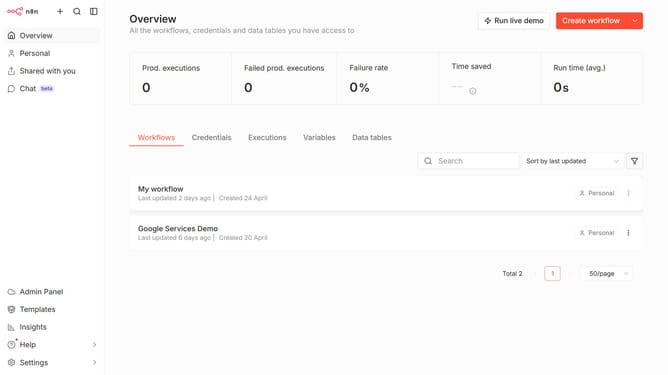
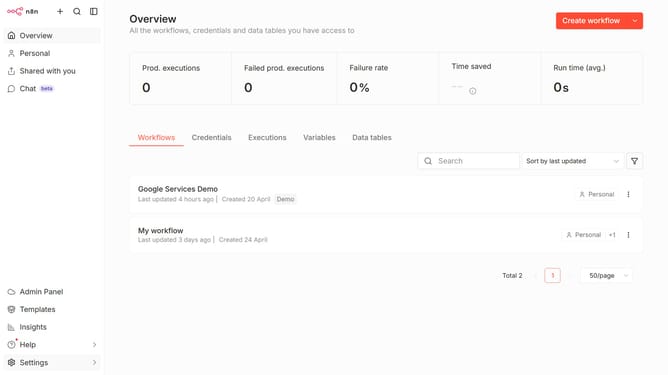
- First click on the dropdown arrow next to "Create workflow" button
- Then click on the "Create credential" button
- Next click on the "Search for app..." input field and enter "SeaTable"
- Then select "SeaTable API" from the search results
- After selecting "SeaTable API", click on the "Continue" button
- In the "SeaTable account" form, fill in the credential details
- Finally click on the "Save" button
Why should you create SeaTable API credential in n8n
n8n is a powerful automation tool designed to seamlessly connect and streamline various workflows.
Creating SeaTable API credentials in n8n enables users to integrate SeaTable within their automation workflows effortlessly. This feature enhances productivity by allowing users to manage SeaTable data dynamically.
Utilizing this capability means you can automate data manipulation, ensuring up-to-date information across all your connected applications. Ultimately, it simplifies complex processes, saving both time and resources.
Last update