How to create Adalo API credential in n8n
Here is how to create adalo api credential in n8n
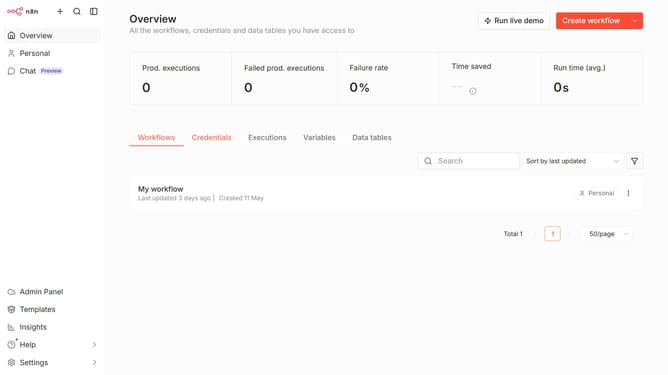
- First, click on the dropdown arrow next to "Create workflow" in the header.
- Then, click on the "Create credential" button.
- Next, select "Adalo API" from the list of options.
- After that, click on the "Continue" button.
- Then, click on the "API Key" input field and enter your API Key.
- Finally, click on the "Save" button.
Why should you create Adalo API credential in n8n
n8n is a versatile workflow automation tool designed to simplify interconnectivity among different APIs and services.
Creating Adalo API credentials in n8n is a seamless process that amplifies your app-building capabilities. By integrating with Adalo, n8n facilitates automated data interactions, significantly enhancing operational efficiency.
This feature empowers developers to automate tasks without diving into complex code, saving time and reducing errors. It fosters a more streamlined, productive working environment, allowing for innovative solutions to flourish effortlessly.
Last update