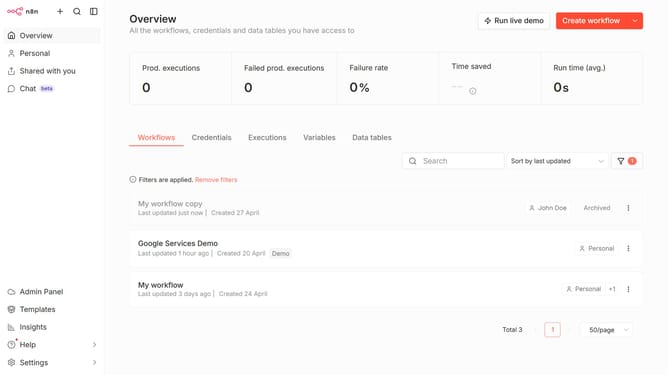
How to sort users by 2FA status ascending in n8n
Here is how to sort users by 2fa status ascending in n8n
- First click on "Settings" item in the left sidebar.
- Then select "Users" from the menu that appears.
- Finally click on "2FA" column header in the table.
Why should you sort users by 2FA status ascending in n8n
n8n is a flexible workflow automation tool designed to streamline repetitive tasks and enhance productivity.
One of its powerful features includes the ability to sort users by 2FA status in ascending order. This ensures a clear overview of your user base, enhancing security management within your workflows.
Organizing users by their 2FA status can quickly identify those who haven't activated this protective layer. This proactive measure enhances security by allowing for easy follow-ups and targeted support, ensuring all users benefit from heightened account protection.
Last update