How to create Msg91 API credential in n8n
Here is how to create msg91 api credential in n8n
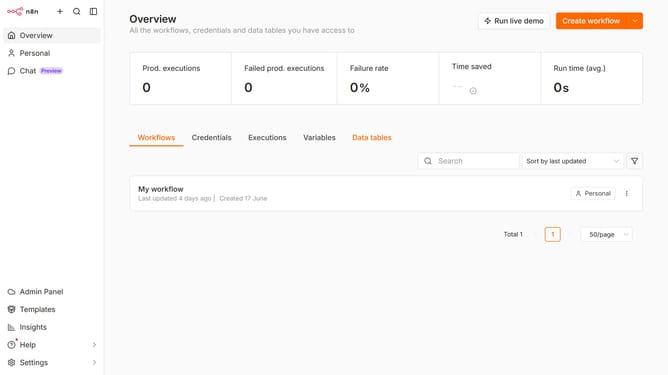
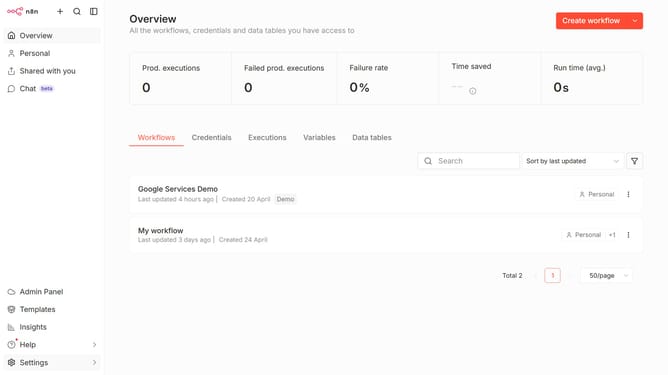
- First click on the dropdown arrow next to "Create workflow" button
- Then click on "Create credential" option
- Click on the search bar and enter "Msg91"
- Select "Msg91 Api" option
- Click on the "Continue" button
- Enter "Authentication Key" in the input field
- Finally click on the "Save" button
Why should you create Msg91 API credential in n8n
n8n is a powerful workflow automation tool designed to seamlessly integrate various apps and services.
Creating Msg91 API credentials in n8n enables users to automate and enhance communication processes with ease.
By integrating Msg91 API within n8n, businesses benefit from streamlined message sending, allowing for immediate reach to their audience.
Utilizing this feature enhances workflow efficiency and ensures that communication is not only reliable but also swift and synchronized across all platforms.
Last update