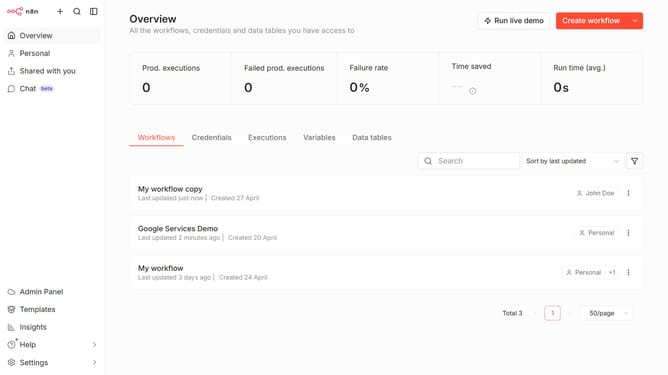
How to set default OpenAI credential in n8n
Here is how to set default openai credential in n8n
- First click on "Settings" in the left sidebar.
- Then click on "Chat" in the left sidebar.
- Then click on the three dots menu icon for OpenAI.
- Then click on "Edit provider" button.
- Then click on the "Select" dropdown menu in the "Default credential" section.
- Then select your desired credential from the dropdown list.
- Finally click on the "Confirm" button.
Why should you set default OpenAI credential in n8n
n8n is an open-source workflow automation tool designed to connect various apps and services effortlessly.
Setting a default OpenAI credential in n8n streamlines your workflow by removing the repetitive task of inputting API details manually, ensuring a more efficient and error-free process.
This feature enhances productivity by allowing users to swiftly set up and manage workflows that require OpenAI integration, saving time and focusing on what truly matters—innovative solutions and creative outputs.
Last update